Disk Swapper
The disk swapper mechanism is similar in concept to a playlist or a CD changer: up to 20 disk images can be added to a list for swapping them quickly.
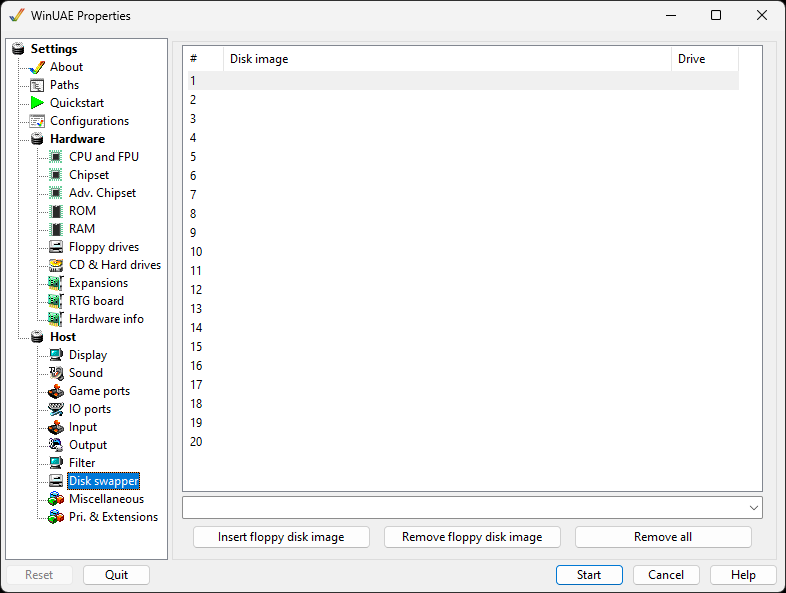
Double clicking on a line or selecting it and choosing
Insert floppy disk image will bring up a file
picker to add an ADF image to the list. All slots may be filled
with images.
Clicking in the Drive column next to each
entry will cycle through all enabled floppy drives. Once the
disks have a drive name next to them, they will appear in the
appropriate Floppy Drives slots.
Selecting an entry and clicking Remove floppy disk
image will remove the image from the list.
Use Remove all to remove all the images from
the list.